Shipping from UK NO TAX

Showing posts with label IDS 108 Ford. Show all posts

Monday, 5 March 2018

Ford IDS 108 Windows 7 installation & activation review

Contacted obdexpress.co.uk about IDS 108 install and activation over TeamViewer. After agreeing on a price, he checked my system for compatibility and shortly thereafter began the install. There was a problem with my computer causing the install to have to be done twice, and he went above and beyond to complete this extra step in the setup. He also gave me support after installation showing me a couple of things inside the program – Great guy.
SP177-S2-ford-ids-v108_06-download-free(1)
I am in United States and can confirm that this IDS solution is native install and works on North American vehicles.

So far have tested 2003 Ford F-150 all functions including PATS, 2007 Ford F-150 all functions including PATS and module programming, 2015 Transit Connect self test and datalogger work. However, 2014+ Ford vehicles require locksmith ID LSID to do any PATS functions or any PMI programmable module installation/PCM reprogramming etc. This solution does not work for those functions.
Overall, obdexpress.co.uk is fair, reasonable, and trustworthy. He is expedient, diligent, honest, and affordable. He worked all night getting my system to work. I recommend him.
Thanks obdexpress.co.uk – Glad I could finally contribute something – a review.

Thursday, 1 February 2018

How to use Ford IDS 108.01 for diagnostic/programming

VCM 2 SP177-C1 Ford IDS 108.01 user manual of how to use:

Vehicle data reading
Module Programming
Self Test
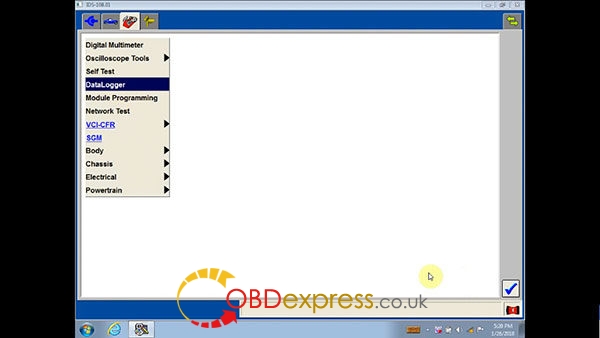
DataLogger
Powertrain
Electrical
Chassis
Body
Oscilloscope Tools
IDS language setup

In detail...
How to use VCM2 IDS 108 to read vehicle info:

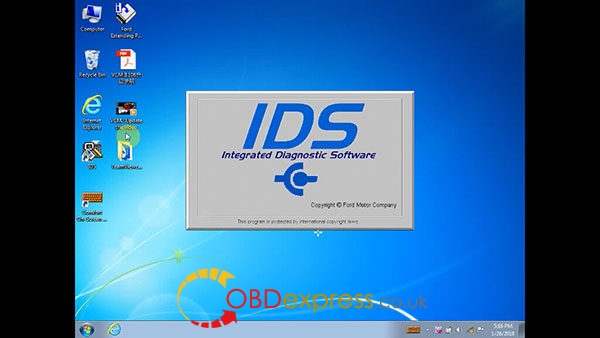
Run IDS Integrated Diagnostic Software
ford-ids-108-win7-download-install-1
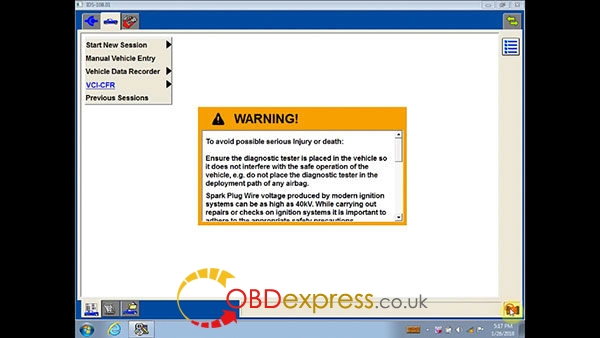
Click on the VCM 2 icon on the bottom left for diagnostic
ford-ids-108-win7-download-install-2
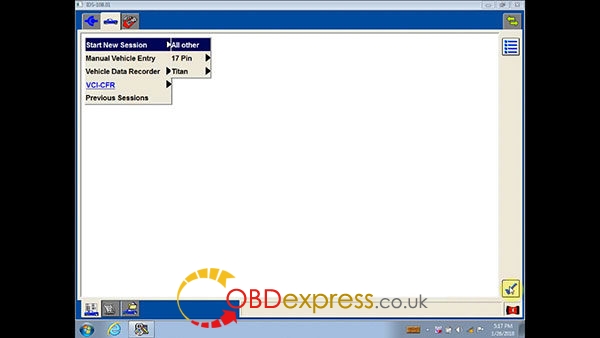
Start New Session, then All other
ford-ids-108-win7-download-install-3
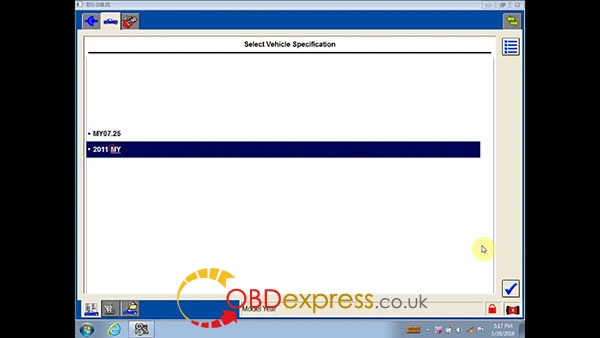
Vehicle specification: 2011 MY
ford-ids-108-win7-download-install-4
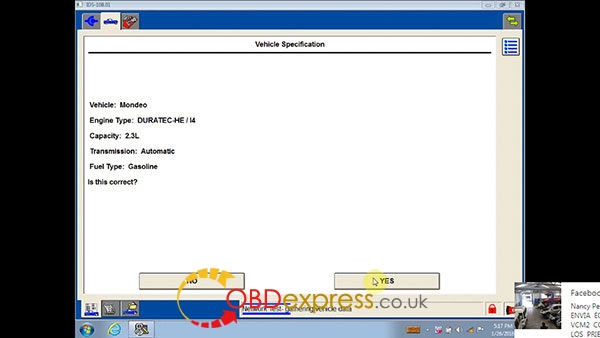
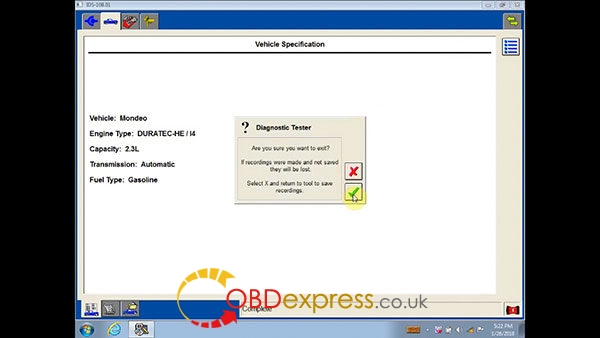
Check vehicle info
Vehicle: Mondeo
Engine Type: DURATECH-HE/I4
Capacity: 2.3L
Transmission: Automatic
Fuel Type: Gasoline
ford-ids-108-win7-download-install-5
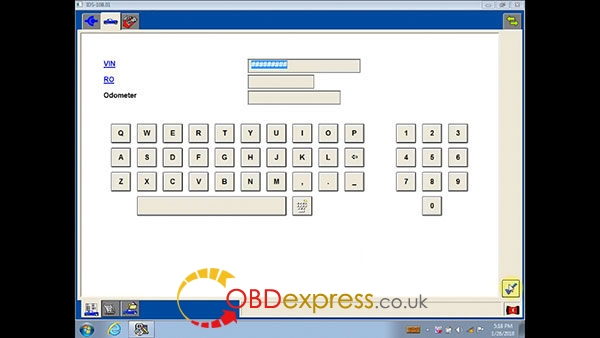
Continue
ford-ids-108-win7-download-install-6
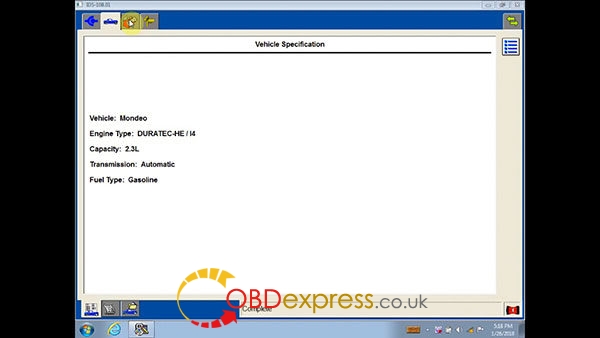
Complete
ford-ids-108-win7-download-install-7

How to use IDS 108 for Ford module programming:

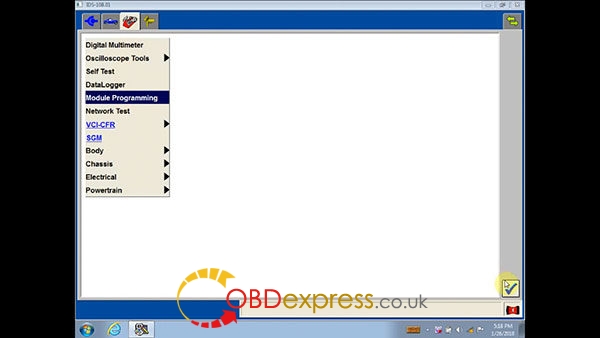
Module Programming
ford-ids-108-win7-download-install-8
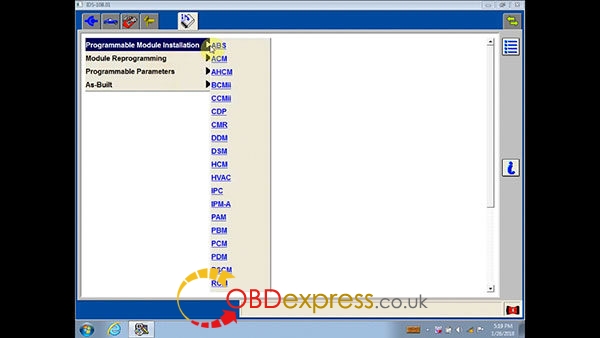
Programmable Module Initialization:
ABS, ACM, AHCM, BCMII, CCMII, CDP, CMR, DSM, HCM, HVAC, IPC, IPM-A, PAM, PBM, PCM, PDM, PSCM, RCM
ford-ids-108-win7-download-install-9
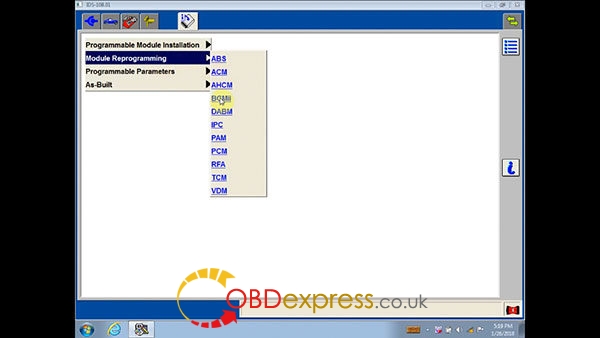
Module Reprogramming:
ABS, ACM, AHCM, BCMII, DABM. IPC, PAM, PCM, RFA, TCM, VDM
ford-ids-108-win7-download-install-10
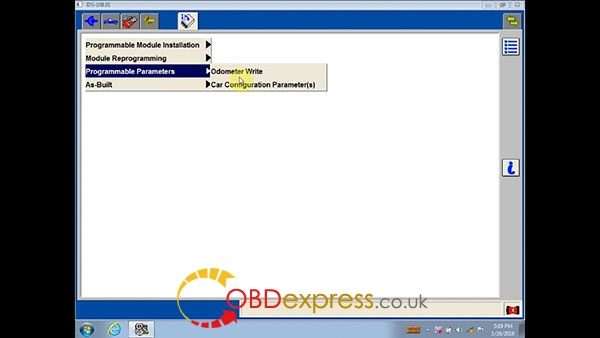
Programmable Parameters:
Odometer Write, Car Configuration Parameter(s)
ford-ids-108-win7-download-install-12
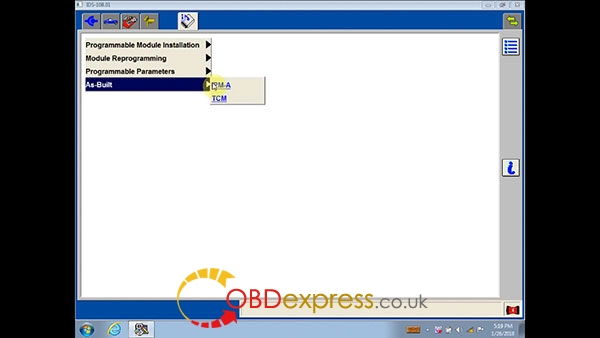
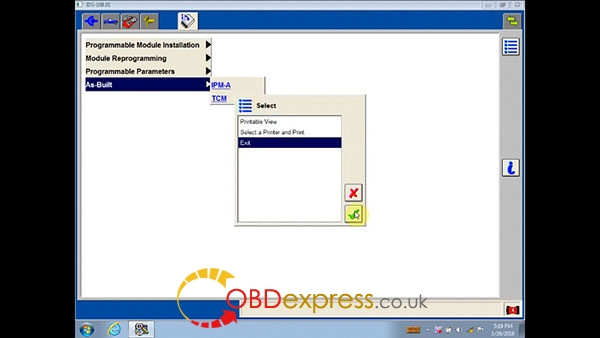
As-Built:
IPM-A, TCM
ford-ids-108-win7-download-install-13
Exit
ford-ids-108-win7-download-install-14

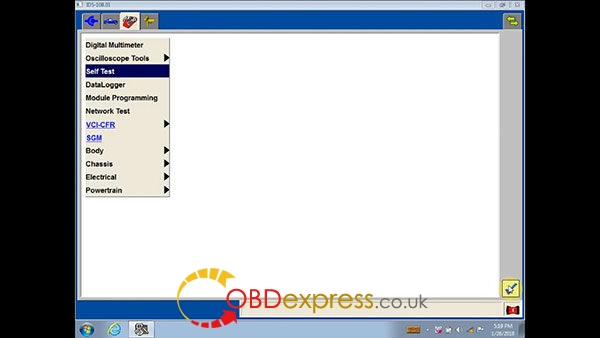
How to do v108 Ford IDS Self Test:

Self Test
ford-ids-108-win7-download-install-15
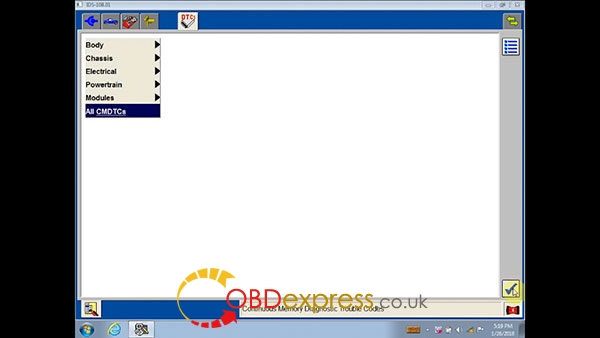
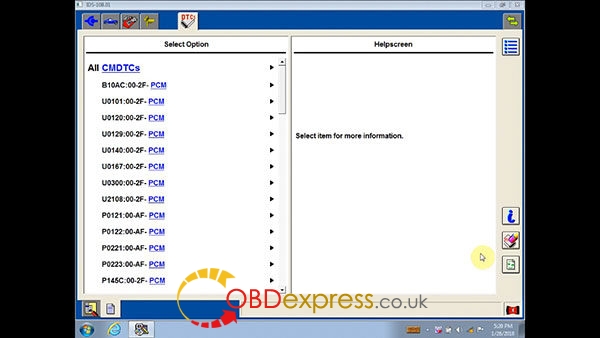
All CMDTCs
ford-ids-108-win7-download-install-16
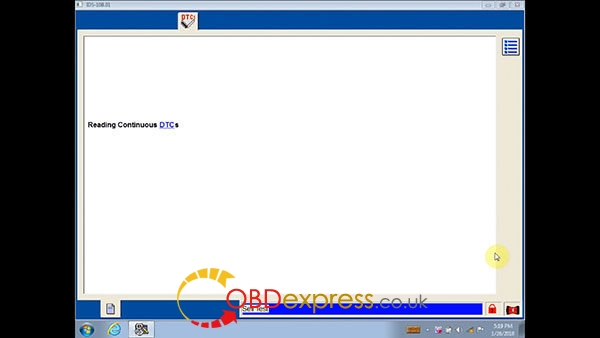
Reading DTCs
ford-ids-108-win7-download-install-17
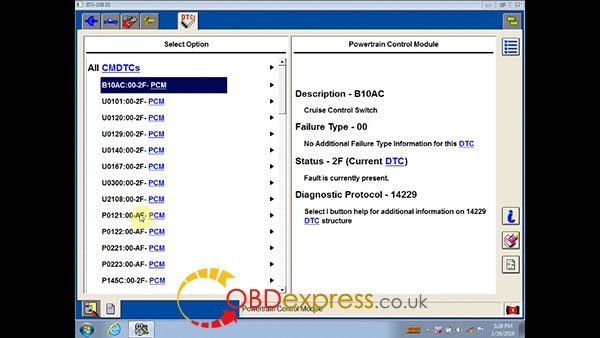
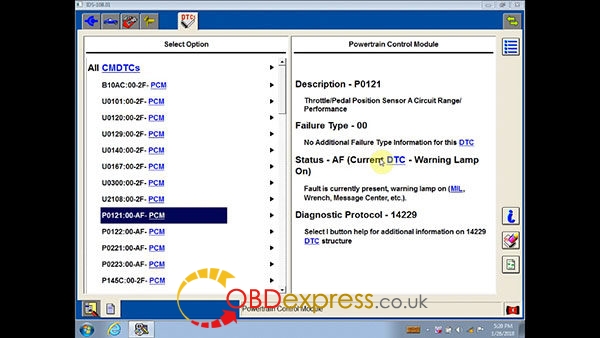
All CMDTCs explanation

ford-ids-108-win7-download-install-18 ford-ids-108-win7-download-install-19 ford-ids-108-win7-download-install-20
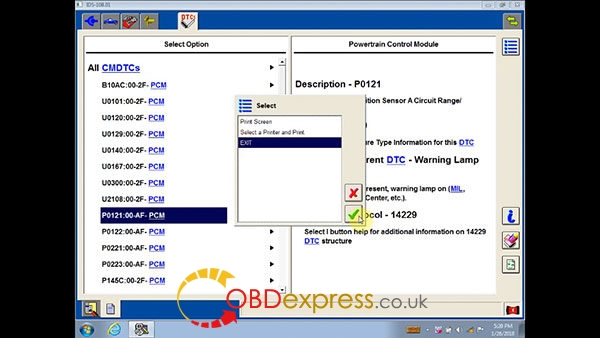
Exit
ford-ids-108-win7-download-install-21

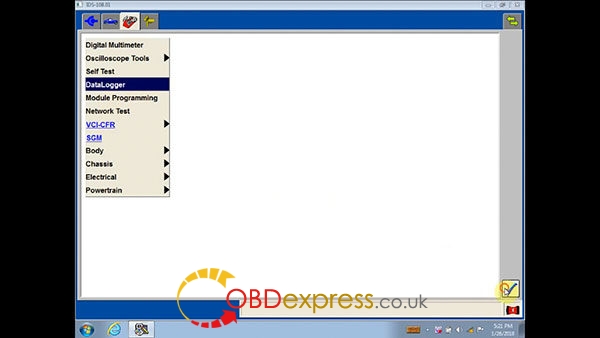
How to do DataLogger in IDS 108 Ford:

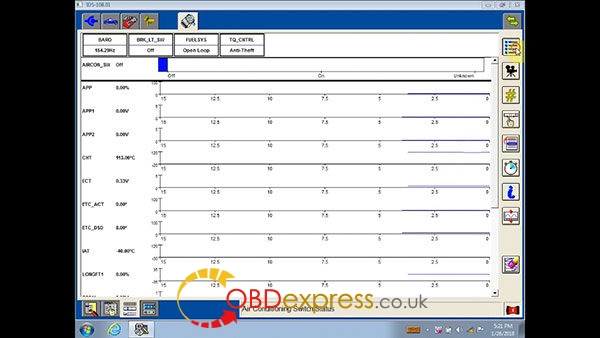
DataLogger

ford-ids-108-win7-download-install-22 ford-ids-108-win7-download-install-31
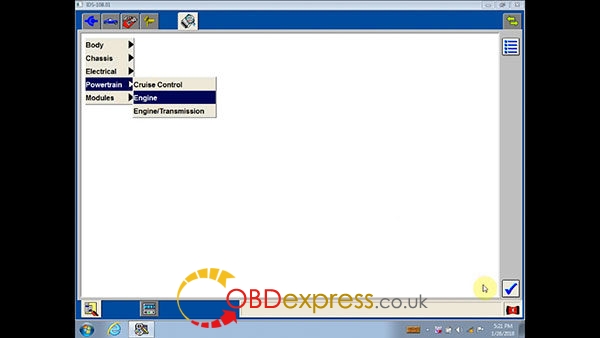
Body, Chassis, Electrical, Powertrain, Module
Engine
ford-ids-108-win7-download-install-32
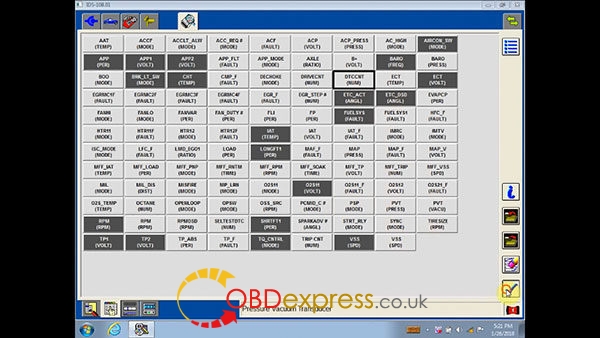
Set the ignition switch to ON

DTCCAT
ford-ids-108-win7-download-install-34 ford-ids-108-win7-download-install-35
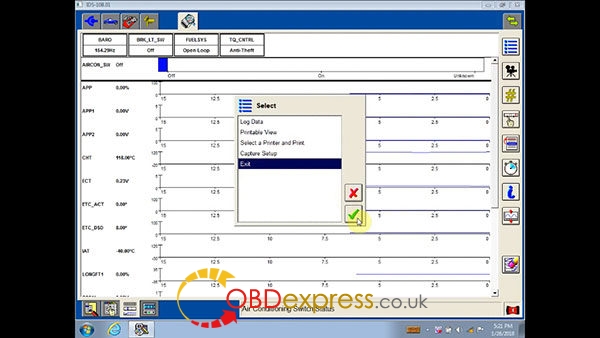
Exit
ford-ids-108-win7-download-install-36 ford-ids-108-win7-download-install-37

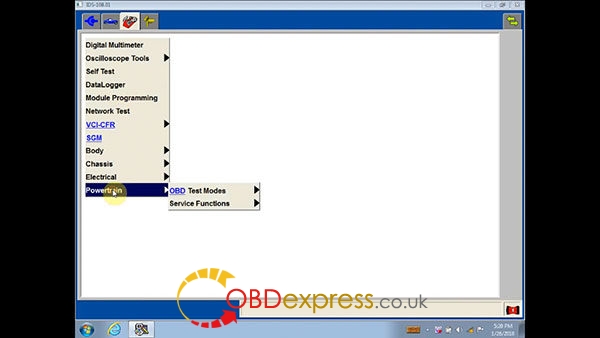
How to use Ford IDS108 for Powertrain:

Powertrain
ford-ids-108-win7-download-install-23

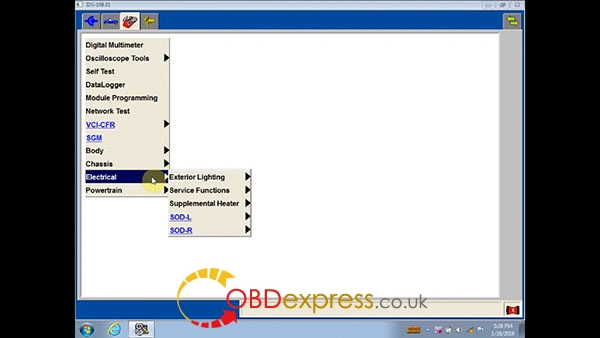
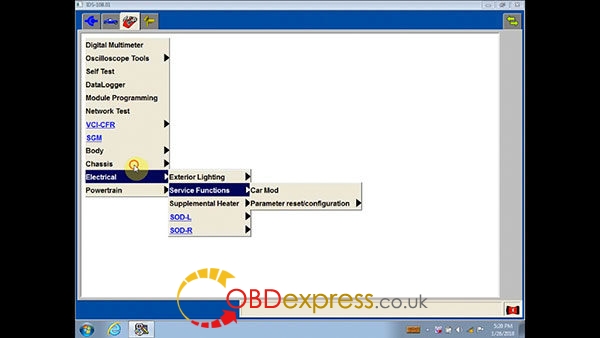
How to use IDS108 software for Electrical:

Electrical
ford-ids-108-win7-download-install-24 ford-ids-108-win7-download-install-25

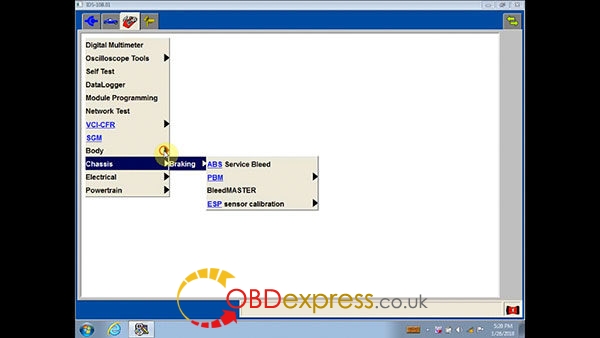
How to use IDS108 software for Ford Chassis:

Chassis:
ford-ids-108-win7-download-install-26

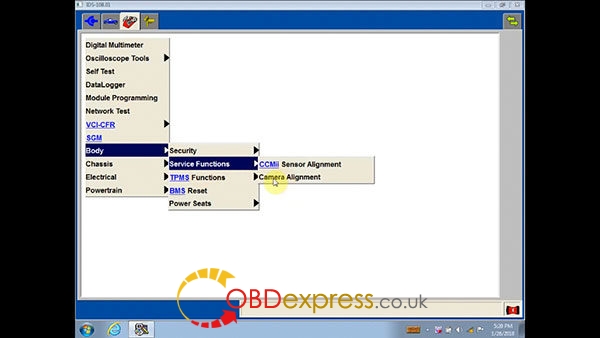
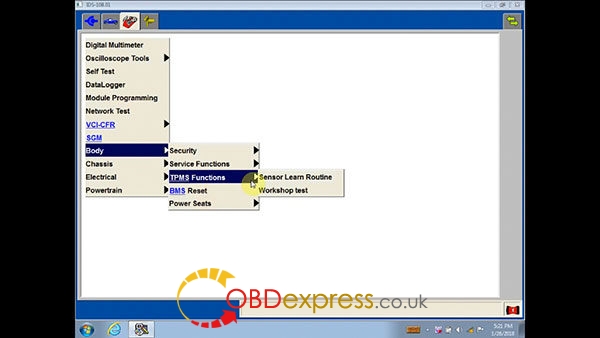
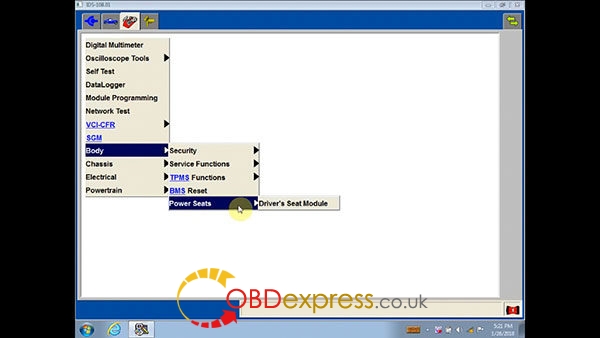
How to use VCM 2 IDS108 for Ford Body:

Body: Security, Service Functions, BMS Reset, Power Seats
ford-ids-108-win7-download-install-27 ford-ids-108-win7-download-install-28 ford-ids-108-win7-download-install-29

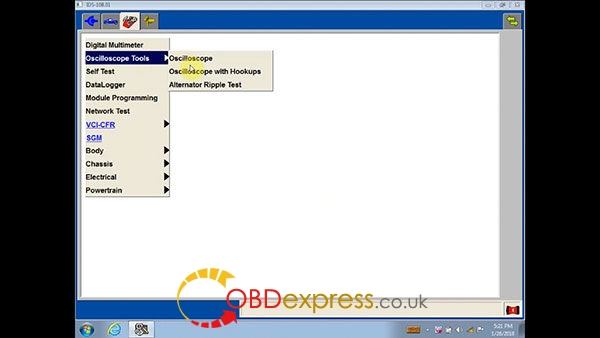
How to use Ford IDS 108 Oscilloscope Tools:

Oscilloscope Tools: Oscilloscope, Oscilloscope with Hookup, Alternator Ripple Test
ford-ids-108-win7-download-install-30

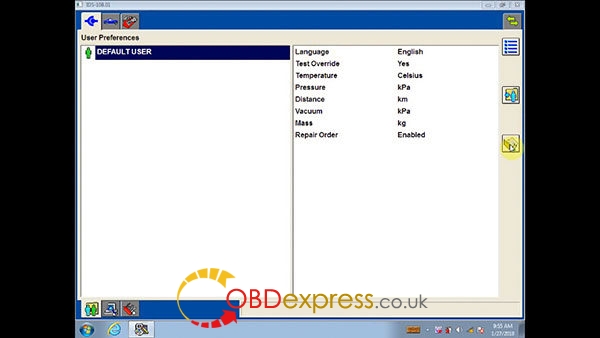
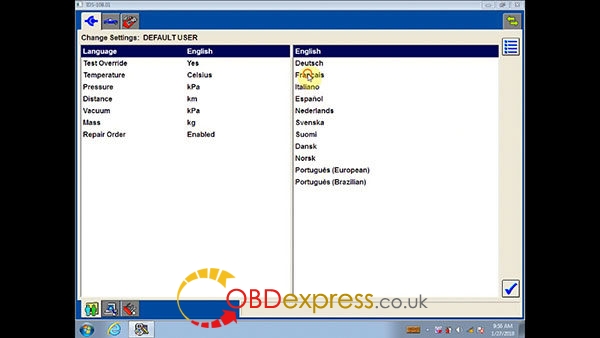
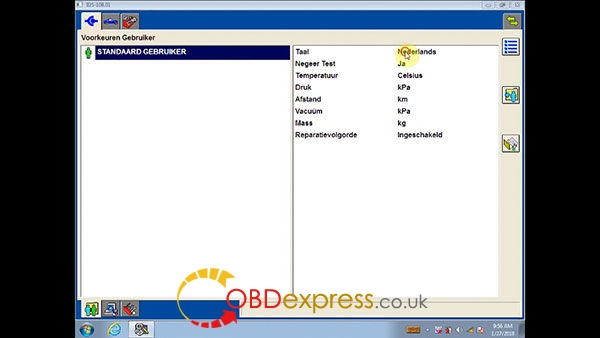
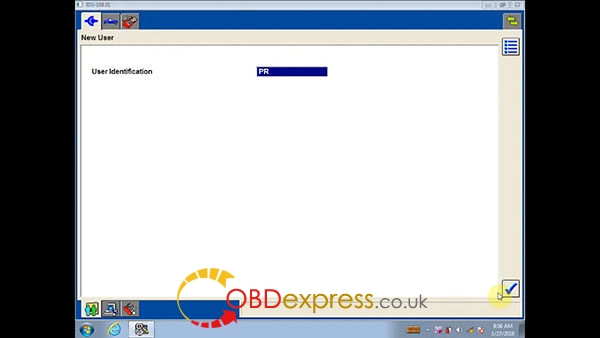
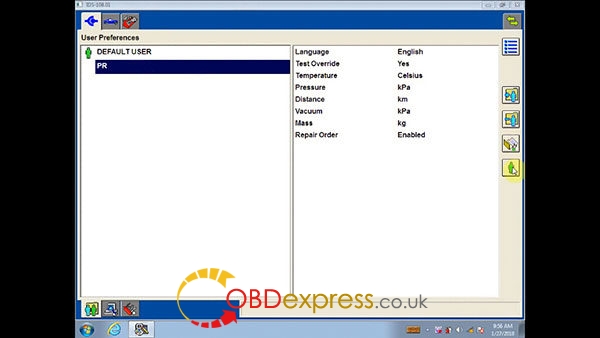
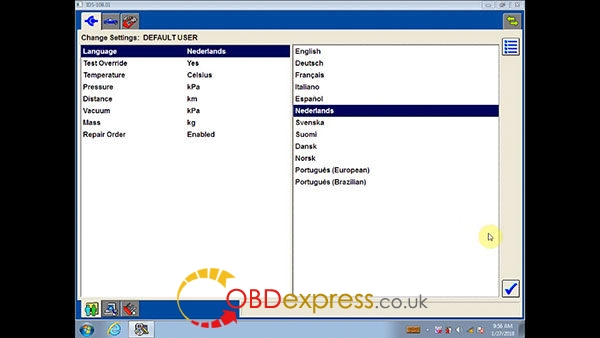
How to change a language in Ford IDS program:
ford-ids-108-win7-download-install-38 ford-ids-108-win7-download-install-39


IDS languages: English, Deutsch, Fransis, Italiano, Español, Nederlands, Svenska, Suoml, Dansk, Norsk, Portugues (European), Portugues (Brazilian)

Select any language you need
ford-ids-108-win7-download-install-40 ford-ids-108-win7-download-install-41 ford-ids-108-win7-download-install-42 ford-ids-108-win7-download-install-43


http://blog.obdexpress.co.uk/2018/02/01/how-to-use-vcm-2-ford-ids-108-01-software/

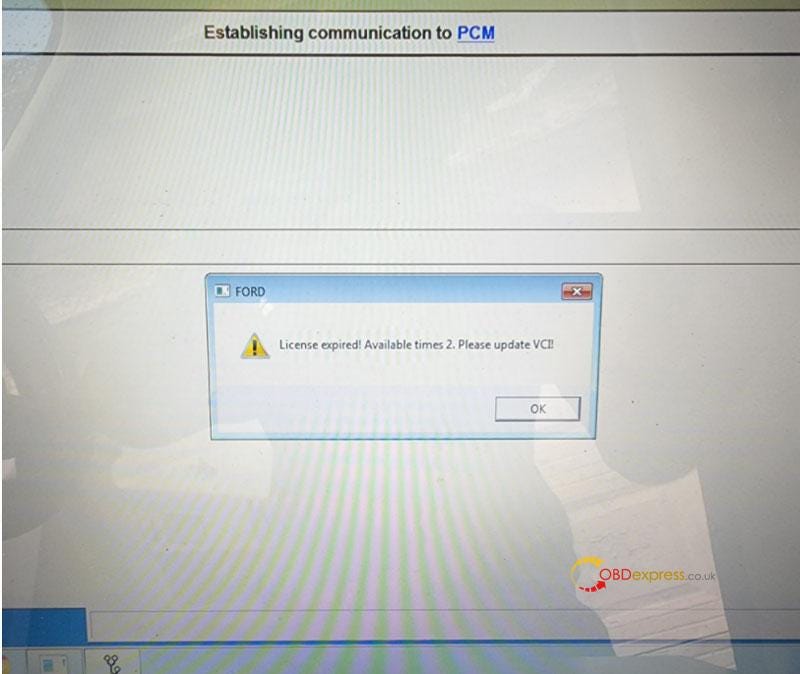
Free Download Ford VCM2 V126 to Solve License Expired Issue

  Problem: My Ford VCM2 software has popped up an attention: “License expired! Available times 2. Please update VCI!” What does this mean?...